

How to Fix Windows Update Error (Windows Update Not Working Guide)
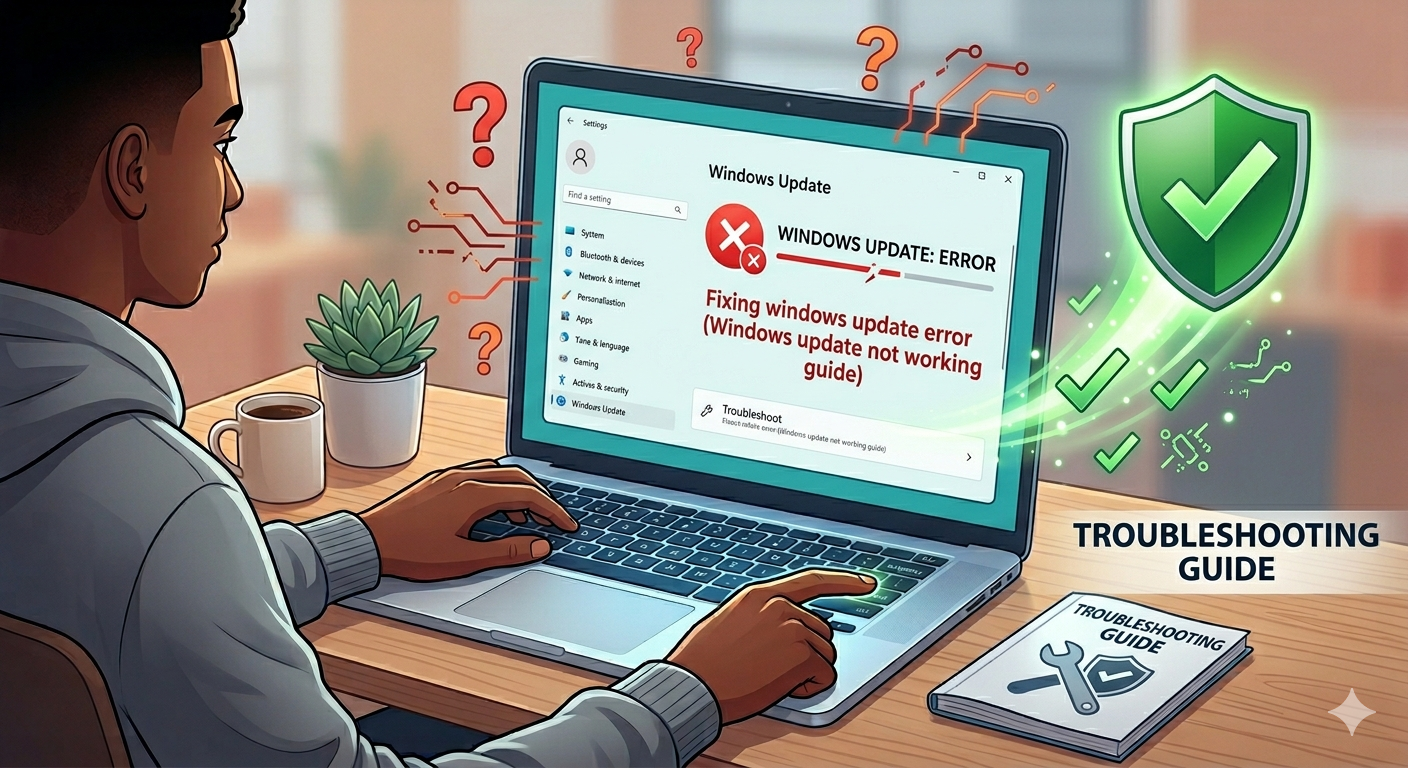
Working on a Windows device does not always mean that there will be no issues, as there are numerous update errors that you might encounter while working on it. Whether you are watching a video or you are sending an essential email, it is possible for you to see an update error on the device.
Fortunately, there are a few methods that people can use to easily resolve Windows update errors. This article provides you with a comprehensive overview of how to fix Windows Update error to ensure that you can use your device without issues.
Why do your Windows updates fail?
There are a number of different reasons why your Windows update keeps failing, and the most common reasons are:
-
Corrupt update files
-
Overload in the update queue
-
Limited space in your drive
-
Conflicts with the drives and hardware
How can you easily resolve your Windows update errors?
Whether you see error code 0x80070002 or you see the error code 0x80070005, there are a few methods that you can use to resolve Windows update not working issues.
Method 1: Restart the device and run the update again
Well, the first thing that you should do in case of any error code is to restart your computer and try to run the update again. The error is generally fixed as the issue is caused by simple technical glitches.
Method 2: Reset Windows Update Components
In certain situations, the Windows update components can become corrupted and this can be the reason for a failed update. You can execute the following command on the computer to resolve the issue easily:
net stop wuauserv
net stop cryptSvc
net stop bits
net stop msiserver
ren C:\Windows\SoftwareDistribution SoftwareDistribution.old
ren C:\Windows\System32\catroot2 catroot2.old
net start wuauserv
net start cryptSvc
net start bits
net start msiserver
You need to run the command in the Command Prompt of your computer and run it as administrator. Make sure you restart your computer after running the commands to resolve it.
If you are interested in exploring other methods, then you can use the website Daratrecovee to learn about them.

 Arabic
 French
 Spanish
 Portuguese
 Deutsch
 Turkish
 Dutch
Dutch
 Italiano
 Russian
 Romaian
 Portuguese (Brazil)
 Greek
Greek