

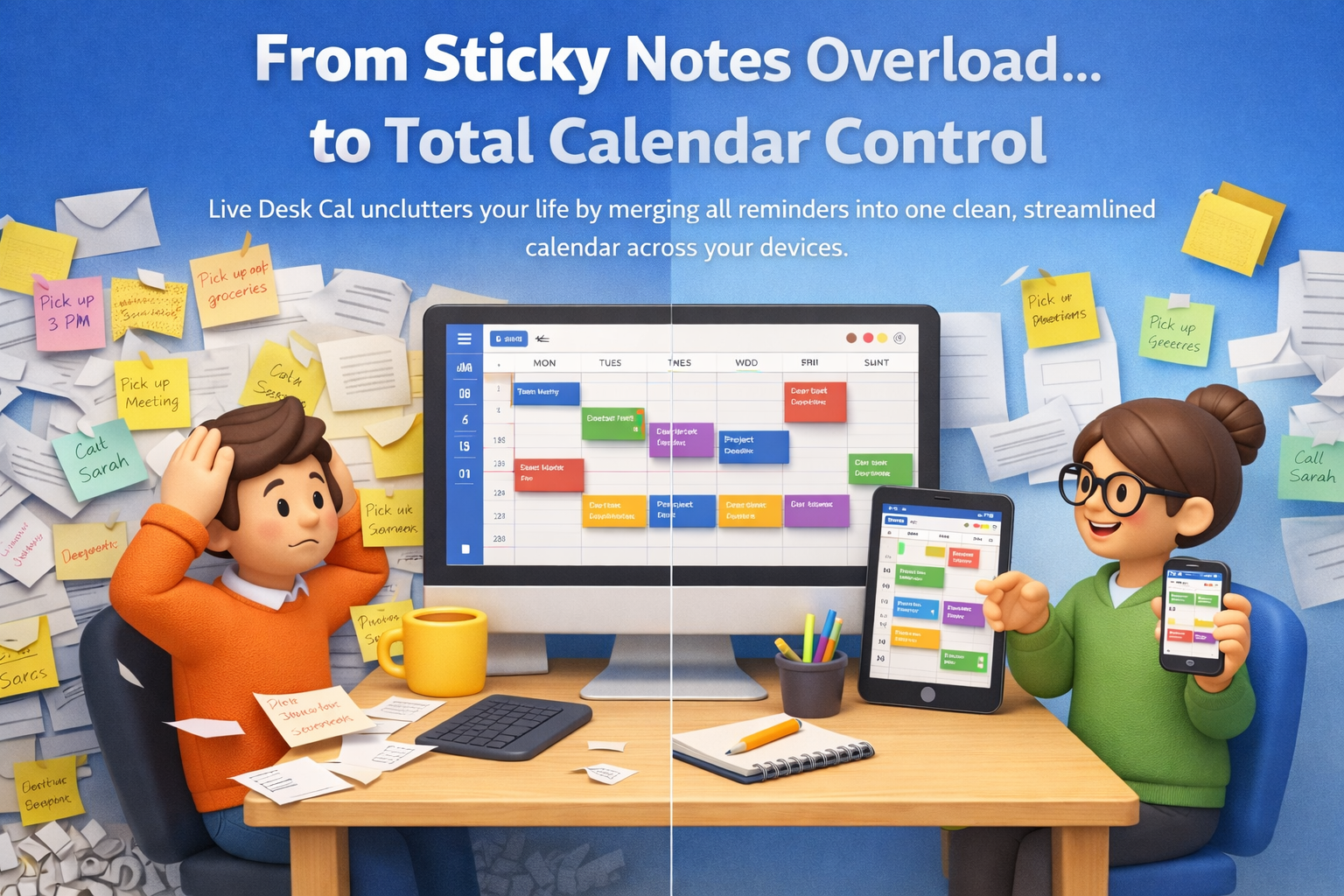


Live Desk Cal displays your upcoming events directly on Windows 11, helping you check schedules without opening a browser. It supports Google Calendar syncing, reminders, and practical views for daily planning.
Try LiveDeskCal for Free Now
Try LiveDeskCal for Free Now
-
Grupo público
-
4 Publicações
-
3 fotos
-
0 Vídeos
-
0 Anterior
-
Science and Technology
Pesquisar

 English
 Arabic
 French
 Spanish
 Portuguese
 Deutsch
 Turkish
 Dutch
Dutch
 Italiano
 Russian
 Romaian
 Greek
Greek
Atualizações recentes
-
Live Desk Cal is a Windows desktop calendar app that keeps your schedule visible while you work. Instead of switching tabs to check Google Calendar, you can view upcoming events directly on your Windows 11 desktop and stay on track all day.
Why It Is Important
Many people miss meetings or waste time because their calendar is hidden in a browser. Live Desk Cal reduces distractions by keeping your agenda in view, so you can plan faster, avoid conflicts, and stay prepared for what is next.
Key Features
Desktop calendar view for quick glance scheduling
Google Calendar syncing for updated events
Daily and weekly views for better planning
Reminders to help you stay on time
Clean layout that fits professional workflows
Editions
Live Desk Cal Free is best for basic desktop calendar needs and light scheduling.
Live Desk Cal Lite adds more flexibility for daily professional use and smoother planning.
Live Desk Cal Pro is built for busy professionals and teams who need advanced controls, stronger productivity features, and better coordination.
Benefits
Live Desk Cal helps reduce missed meetings, improves time management, supports faster scheduling, and keeps teams aligned. It also helps protect focus time by reducing constant app switching.
Pricing
Live Desk Cal offers Free, Lite, and Pro options so users can start at no cost and upgrade when they need more features. Pricing varies by plan, so checking the official pricing page is recommended. Get LiveDeskCal now for free: https://livedeskcal.com/livedeskcal-free/
Who It Is For
Live Desk Cal is useful for executives, managers, sales teams, remote workers, support staff, and anyone who relies on Google Calendar and works on Windows 11.
How to Use
Install Live Desk Cal, connect your Google Calendar, choose a view, enable reminders, and keep the calendar visible on your desktop for daily planning.
Conclusion
If you want Google Calendar on your Windows 11 desktop, Live Desk Cal provides a practical, always visible solution. With Free, Lite, and Pro options, it fits both individuals and teams who want better scheduling and more productive workdays.Live Desk Cal is a Windows desktop calendar app that keeps your schedule visible while you work. Instead of switching tabs to check Google Calendar, you can view upcoming events directly on your Windows 11 desktop and stay on track all day. Why It Is Important Many people miss meetings or waste time because their calendar is hidden in a browser. Live Desk Cal reduces distractions by keeping your agenda in view, so you can plan faster, avoid conflicts, and stay prepared for what is next. Key Features Desktop calendar view for quick glance scheduling Google Calendar syncing for updated events Daily and weekly views for better planning Reminders to help you stay on time Clean layout that fits professional workflows Editions Live Desk Cal Free is best for basic desktop calendar needs and light scheduling. Live Desk Cal Lite adds more flexibility for daily professional use and smoother planning. Live Desk Cal Pro is built for busy professionals and teams who need advanced controls, stronger productivity features, and better coordination. Benefits Live Desk Cal helps reduce missed meetings, improves time management, supports faster scheduling, and keeps teams aligned. It also helps protect focus time by reducing constant app switching. Pricing Live Desk Cal offers Free, Lite, and Pro options so users can start at no cost and upgrade when they need more features. Pricing varies by plan, so checking the official pricing page is recommended. Get LiveDeskCal now for free: https://livedeskcal.com/livedeskcal-free/ Who It Is For Live Desk Cal is useful for executives, managers, sales teams, remote workers, support staff, and anyone who relies on Google Calendar and works on Windows 11. How to Use Install Live Desk Cal, connect your Google Calendar, choose a view, enable reminders, and keep the calendar visible on your desktop for daily planning. Conclusion If you want Google Calendar on your Windows 11 desktop, Live Desk Cal provides a practical, always visible solution. With Free, Lite, and Pro options, it fits both individuals and teams who want better scheduling and more productive workdays.0 Comentários 0 Compartilhamentos 393 Visualizações 0 Anterior




Mais stories
Patrocinado